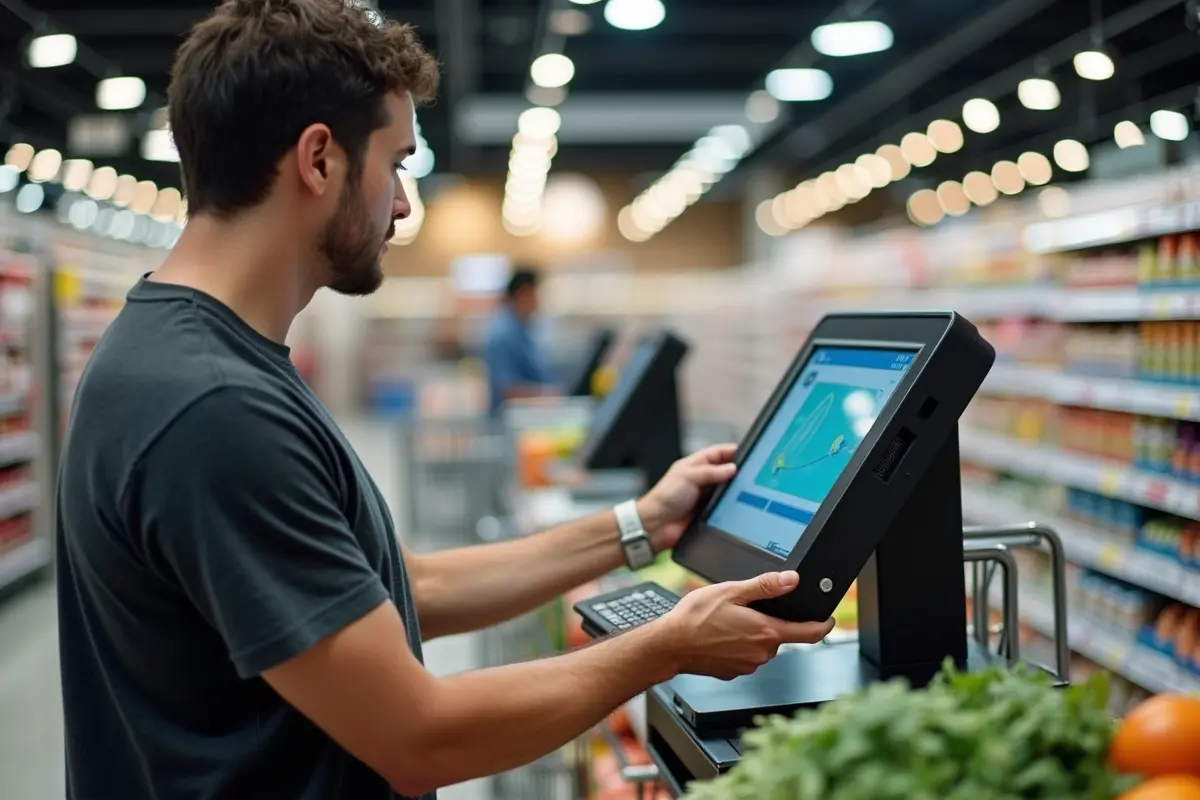
Self-checkout kiosks are transforming the retail landscape by offering shoppers speed, flexibility, and efficiency. For both small businesses and big-box retailers, integrating self-service kiosk solutions can improve customer satisfaction and operational performance. However, their implementation needs careful planning to address technological, operational, and human challenges, ensuring these automated stations truly help rather than hinder the shopping experience.
Retailers rushed to adopt self-checkout to satisfy customer demand for speed, but without the right strategy, these kiosks can create friction or even lead to increased losses. The key to success lies in gradual integration, extensive training, and structured communication. Understanding how to deploy, monitor, and refine these kiosks can create a win-win atmosphere for stores and shoppers alike.
Addressing challenges such as inventory accuracy, loss prevention, and regulatory compliance is essential to maximizing return on investment. By developing robust procedures and staff roles, retailers can proactively mitigate risks and maintain both assets and service quality. With thoughtful adjustments and continuous feedback, self-checkout solutions can be both cost-effective and user-friendly.
This guide covers the fundamental best practices for launching and managing self-checkout technology successfully, helping you minimize disruption while delivering noticeable results.
Gradual Rollout
Rather than switching all checkout lanes to kiosks overnight, start with a limited setup in select locations. Monitor system performance, log transaction data, and monitor shopper reactions. A pilot phase allows learning what works and what needs improvement, whether it is interface speed, payment options, or signage placement. Gradual expansion based on measurable feedback minimizes operational headaches and protects the customer experience.
Comprehensive Staff Training
Cashiers and floor staff are the backbone of successful self-checkout programs. Employees must learn not just to operate kiosks, but also to help customers navigate them, troubleshoot basic issues, and spot suspicious activity. Continuous education is key since hardware and software platforms evolve rapidly. Well-trained staff can smooth out pinch points, provide support, and educate customers on new features, turning potential frustration into positive interactions. Proactive training also helps minimize downtime and shrinkage, leading to a more streamlined operation.
Customer Education
First-time users often feel intimidated by unfamiliar kiosks, which can slow down the checkout process and discourage future use. Visible instruction cards, intuitive screen prompts, and clear language help demystify the process. Having staff members available to guide customers through their initial transactions is invaluable. Video tutorials, on-screen support buttons, and quick-start pamphlets also improve confidence and adoption rates over time.
In addition, consistent interface design and simple navigation flow reduce confusion and help users complete tasks more efficiently. Step-by-step prompts, visual icons, and real-time feedback can further enhance usability by making each action clear and predictable. Over time, as users become more familiar with the system, transaction speed improves, and reliance on staff assistance decreases. This not only enhances customer satisfaction but also improves overall operational efficiency for businesses using kiosk systems.
Accurate Inventory Management
As customers scan and bag their own items, every sale must match existing inventory. Real-time updates and routine inventory checks prevent discrepancies that disrupt operations or lead to misplaced product counts. Software integration between the kiosks and inventory control systems keeps stock levels accurate, while periodic audits catch any unusual variances. Reliable inventory management directly impacts profit margins and customer satisfaction, avoiding unpleasant surprises at the shelf or register.
Robust Anti-Theft Measures
Lack of direct oversight at self-checkout can present opportunities for theft or accidental item mis-scanning. Mitigation strategies include advanced weight sensors on bagging areas, visible security cameras, and periodic random checks. Alerts that trigger when scanned items do not match expected weights can prompt staff intervention. Employees circulating near the self-checkout area can deter theft by maintaining visibility and conducting occasional transaction reviews. For comprehensive loss prevention, it is essential to pair physical deterrents with staff vigilance and clear anti-theft messaging.
Staying Ahead of Regulatory Changes
Laws governing self-checkout are evolving, as illustrated by proposed initiatives like Ohio Senate Bill 415, which aims to limit self-checkout access to curb retail theft. Retailers need to monitor updates to local, state, and federal regulations that could affect kiosk operations, data privacy, and accessibility for all customers.
Compliance is not optional; noncompliance risks fines, legal action, or forced operational changes. Engage with industry groups and legal resources to stay ahead of legislative changes and proactively incorporate new requirements. Kiplinger provides ongoing coverage of policy shifts and retail trends that may affect kiosk strategies.
Enhancing the Customer Experience
Self-checkout should prioritize ease, speed, and choice. Intuitive interfaces, a range of payment options, and ergonomically designed kiosks make every transaction smoother. Continuous updates based on customer surveys or complaint logs, along with real-time analytics, can reveal trouble spots and guide improvements. Retailers should make sure staff are always nearby to help resolve issues quickly, reinforce a sense of personal service, and prevent wait-time frustration.
A focus on usability and support turns initial skepticism into appreciation and loyalty. In addition, clear visual cues, responsive touchscreens, and streamlined checkout steps further reduce user errors and improve confidence during transactions. Regular system maintenance and software upgrades help ensure reliability and minimize downtime. When customers feel supported, and the process remains consistent, adoption rates increase naturally. Over time, this creates a more efficient retail environment that benefits both shoppers and store operations.
Conclusion
Rolling out self-checkout technology requires more than a technological upgrade; it demands a holistic approach that encompasses training, communication, and diligent management. A thoughtful, stepwise implementation, combined with well-prepared teams and ongoing adaptation, allows retailers to harness the full benefits of automation while maintaining a seamless customer experience.
Balancing operational needs with shopper convenience is crucial for long-term success in today’s dynamic retail environment. Regular system monitoring and customer feedback collection also play a key role in identifying issues early and improving performance over time. By continuously refining the process and addressing user concerns, businesses can ensure smoother adoption and higher satisfaction rates.